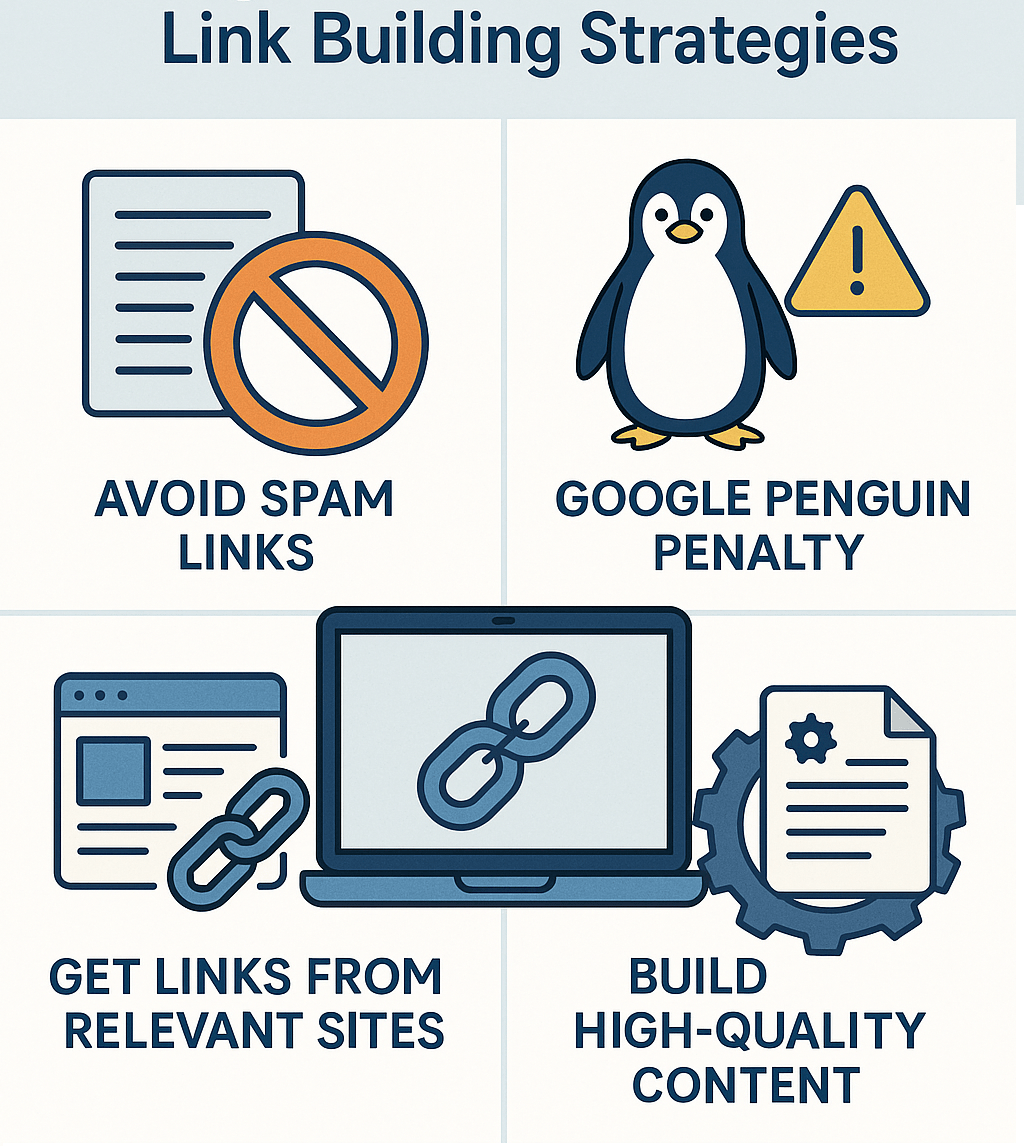
We all know about the importance of good and relevant backlinks for our website in search engine optimization. Google or any other search engine ranks a website according to the number of quality and relevant backlinks coming to that site. Before Penguin was released, many webmasters used automated software to create and increase the number of backlinks. But Google considers these kinds of automatically generated links as spam backlinks. To stop these kinds of activities and give users a quality experience, Google discovered and updated its algorithm and named it Penguin.
Tip: A real example is the case of “BuildMyRank,” a popular automated link-building network. When Google launched Penguin, the network was de-indexed entirely and thousands of websites using their links dropped from the SERPs overnight.
Google Penguin update was released to target spam backlinks and lower the ranking of those sites that have spam or automatically generated backlinks. Google Penguin was designed to generate relevant results, but it created a problem called negative SEO. Because this update targeted websites with spam backlinks, many webmasters started creating spam backlinks for good, reputed, and competitor websites to lower their rankings and increase their own. Surprisingly, this formula worked well. After all these things happened and negative SEO techniques were developed, every webmaster started looking for a solution to stop these unauthorized activities. That is when Google introduced its Links Disavow Tool to disavow unwanted and spam backlinks that were creating ranking issues for good websites.
Tip: In 2014, a popular SEO company in India publicly shared how a competitor created thousands of porn and casino backlinks to ruin their ranking. The company recovered only after disavowing toxic links for 3 consecutive months.
Why We Need Google Disavow Link Tool
Have you been affected by negative SEO campaigns or Google Penguin update? Before we continue, I would like to confirm that if you have never bought any links from any third-party vendor or if you are not getting any spam link warning messages in your webmaster account, then you need not worry. This is not an algorithm update, it is just a tool to help webmasters disavow unwanted backlinks. I would also like to confirm that improper use of this tool may harm or damage your site’s ranking completely. Use this tool only if you exactly know which links are spam and you have no other way to control them.
Tip: A good practice is to check your backlinks regularly using tools like Ahrefs, Semrush, or Google Search Console. Many e-commerce sites discovered spam links only after traffic dropped suddenly.
As we already discussed, negative SEO techniques allow anyone to create spam backlinks for any website to make that site’s ranking drop. Any well-planned negative SEO campaign can harm a site’s ranking. That is why we need Google Link Disavow Tool to disavow such spam backlinks. This tool is good news for all webmasters, but use it only:
If you’re getting spam link warnings in your webmaster account
If your site is penalized by Google manually or automatically
If your site is affected by Penguin
If you’re facing negative SEO
If you have bad reciprocal links
If you’re getting links from unrelated niche sites
If links are from suspicious websites
Tip: Case Study – A travel website received 40,000 spam backlinks over a weekend. After disavowing domains and filing reconsideration, traffic recovered by 60% within 45 days.
What Exactly Google Link Disavow Tool Is and How It Works
Google is the #1 dot-com company in the world and always tries to avoid and penalize spammers. This tool is designed to remove or disavow unwanted and spam backlinks that harm a website’s ranking. We all know that if our site receives spam backlinks from any other website, the only way was to contact that site’s owner to remove links. Most of the time, we don’t get any response. So this tool was designed to remove such links. With the help of this tool, we can complain about spam backlinks directly to Google, and Google will not count those links while ranking our site.
Tip: Remember, Google does NOT remove links from the web. It only ignores them when evaluating your site. So disavow is like telling Google: “Don’t consider these.”
How to Use Google Link Disavow Tool
To disavow spam links for your website, you have to create a list of spam backlinks in a text file and upload it to the Google Disavow Link page in Google Search Console. You can also disavow an entire domain. If you think that you are getting too many spam links from a website, you can write the full domain name in your list and Google will ignore the entire links coming from that domain.
Tip: Real example – Many adult websites automatically link to new domains. Webmasters often disavow entire domains instead of removing thousands of URLs.
How To Write Text File to Disavow Links
# Contacted owner of abc.com on 5/10/2012 to ask for link removal but got no response
domain:abc.com

# Owner of xyz.com removed most links, but missed these
http://www.xyz.com/spam-link1.html
http://www.xyz.com/spam-link2.html
http://www.xyz.com/spam-link3.html
Save it in .txt format and upload it.
Tip: Always document your attempts to contact webmasters. This helps if you submit a reconsideration request later.
But one thing to remember is that use this tool only if you are sure that the links you are going to disavow are spam links. If you disavow good and quality links by mistake, it will definitely harm your site’s ranking because Google will ignore those links.
Tip: Case Study – An SEO agency mistakenly disavowed high-quality links from blogs and lost 60% traffic overnight. It took them 6 months to rebuild authority.
But don’t worry because you also have an option to re-edit your disavow link text file. You can download this file from Google’s site and can add or remove links and reload it.
Tip: Google processes disavow files periodically. It usually takes 2–8 weeks to see ranking improvements after submitting updates.
Conclusion
This tool can help you get your site’s ranking back if you use it properly, but remember that improper use of this tool may damage your site’s ranking.
Tip: If you are unsure which links are harmful, hire an SEO specialist. Cleaning up link profiles is one of the most critical recovery tasks in SEO.
Delhi Courses Academy is a leading institute offering the best digital marketing course in Delhi NCR known for its practical training, affordable fees, and industry-focused curriculum. With 15+ certifications, 100% placement assistance, and hands-on projects, it prepares students for real-world challenges.